tool · 1 items
QbQuery — QuickBooks Desktop Invoice & Bill Query with AI
Query QuickBooks Desktop invoices and bills instantly — with an AI agent and a built-in MCP server.
- ✓ Instant download after purchase
- ✓ Personal & commercial use (single team)
- ✓ Free lifetime updates
- ✉️ Support: [email protected]
This is a one-time payment for lifetime use. Digital products are non-refundable once delivered (downloaded).
Overview
QbQuery is a Windows desktop query tool for QuickBooks Desktop (WPF + .NET 8). It connects to the company file you already have open and turns invoice and bill lookups into instant, structured results — with an AI agent and a built-in MCP server for AI clients.
This listing includes the ready-to-run QbQuery-2026.01-win-x86.zip (32-bit, self-contained — no separate .NET runtime), the QuickBooks SDK installers, 9 language packs and a full usage guide.
🧾 Invoice & bill lookup
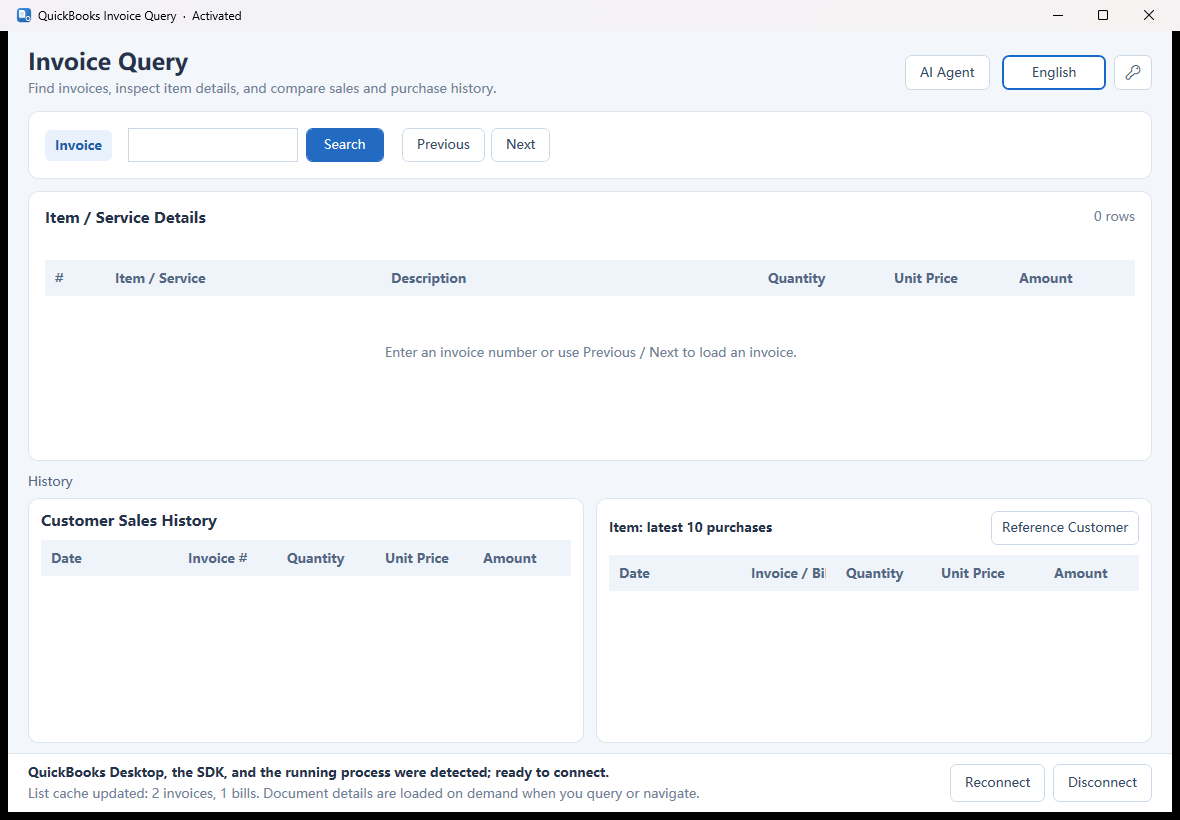
- Look up an Invoice by number and see every line: item/service, description, quantity, unit price and amount.
- Use Previous / Next to browse invoices through the local index.
- Select a line to load the latest 10 sales for the current customer and that item.
- See the latest 10 purchases for the item, and compare against an optional Reference Customer.
🤖 AI agent
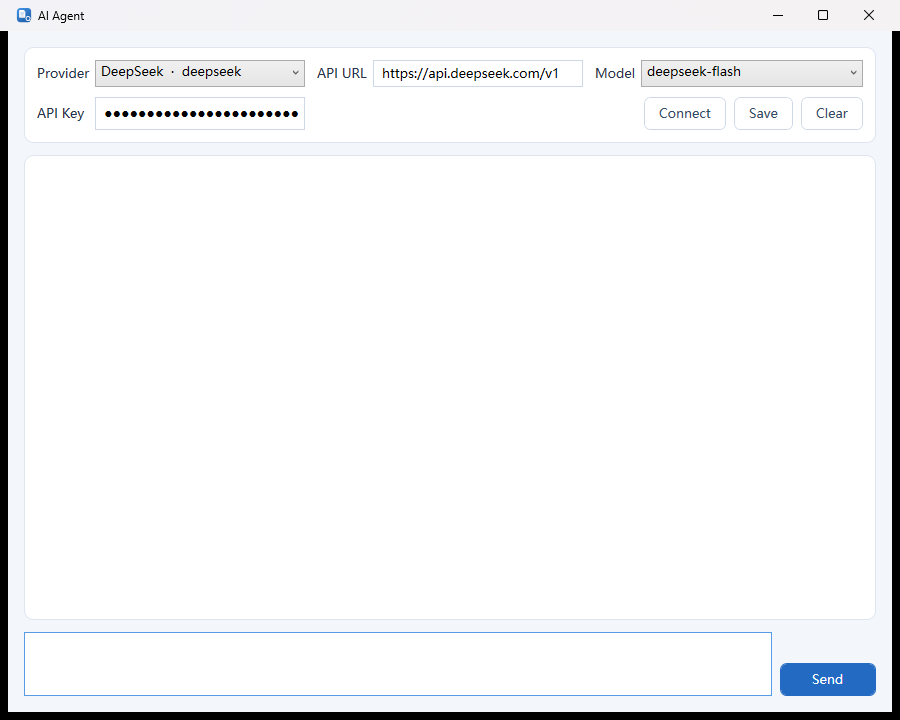
Ask QuickBooks questions in natural language. The agent calls tools behind the scenes and replies with the final answer.
- Choose from 41 built-in providers, set the API URL, model and API key, then
Connectto load the model list. - Examples: “List recent customers”, “Show a customer's purchases of an item within a date range, with totals”, “Generate an Italian language file”.
- Stop, copy or repeat messages from the chat.
🔌 MCP server for AI clients
Run QbQuery.exe --mcp to expose the same tools over a stdio MCP server: item, customer, vendor, invoice and bill lists/details, customer+item sales, item purchases, report queries and language generation.
🔐 Activation
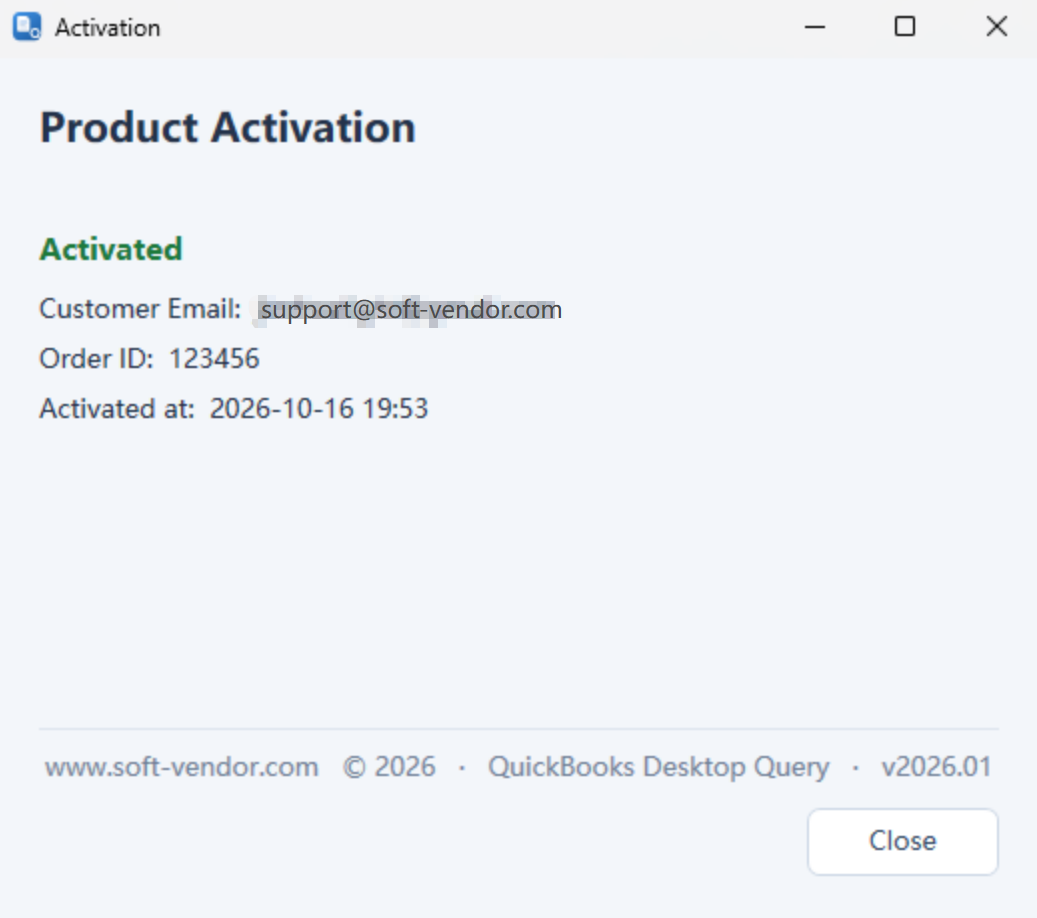
Activate with your email, order number and activation code (offline Ed25519 verification).
- Activated installs unlock the AI agent, the Reference Customer comparison and full sales/purchase history.
- Unactivated installs are limited: no AI agent, no Reference Customer, and only 1 record returned for sales/purchase history.
🌍 9 languages
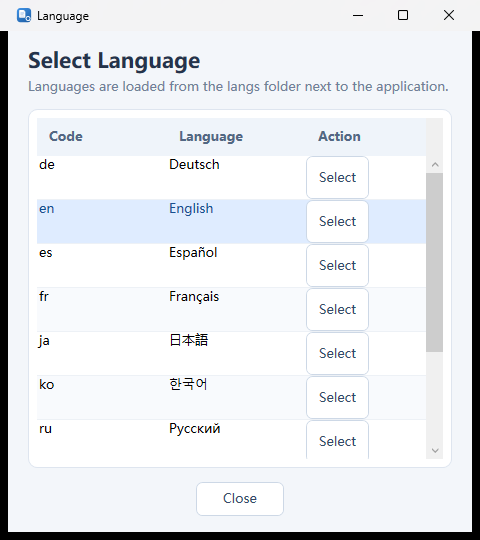
English (base/fallback), 简体中文, 繁體中文, Español, Français, Deutsch, 日本語, 한국어, Русский, ไทย. Switch instantly from the language picker; new languages can be generated by the AI agent or added as langs\<code>.json.
Requirements
- Windows 10/11.
- QuickBooks Desktop installed; install the QBXMLRP2 SDK (installers are included in the bundle).
- 32-bit process (QBXMLRP2 COM is 32-bit).
Package: QbQuery-2026.01-win-x86.zip · Version 2026.01 · © 2026 www.soft-vendor.com
What you can do with it
- ✓ Look up invoices by number with full line details
- ✓ Latest 10 sales for the customer + item; latest 10 purchases for the item
- ✓ Optional Reference Customer comparison
- ✓ AI agent with 41 built-in providers and tool calling
- ✓ MCP server (QbQuery.exe --mcp) for AI clients
- ✓ Offline Ed25519 activation
- ✓ 9-language UI, extensible via AI or JSON
- ✓ Self-contained 32-bit Windows app (WPF + .NET 8)